
The Day the Music Died: Living with a Fisker Ocean in the T-Mobile Dark Age
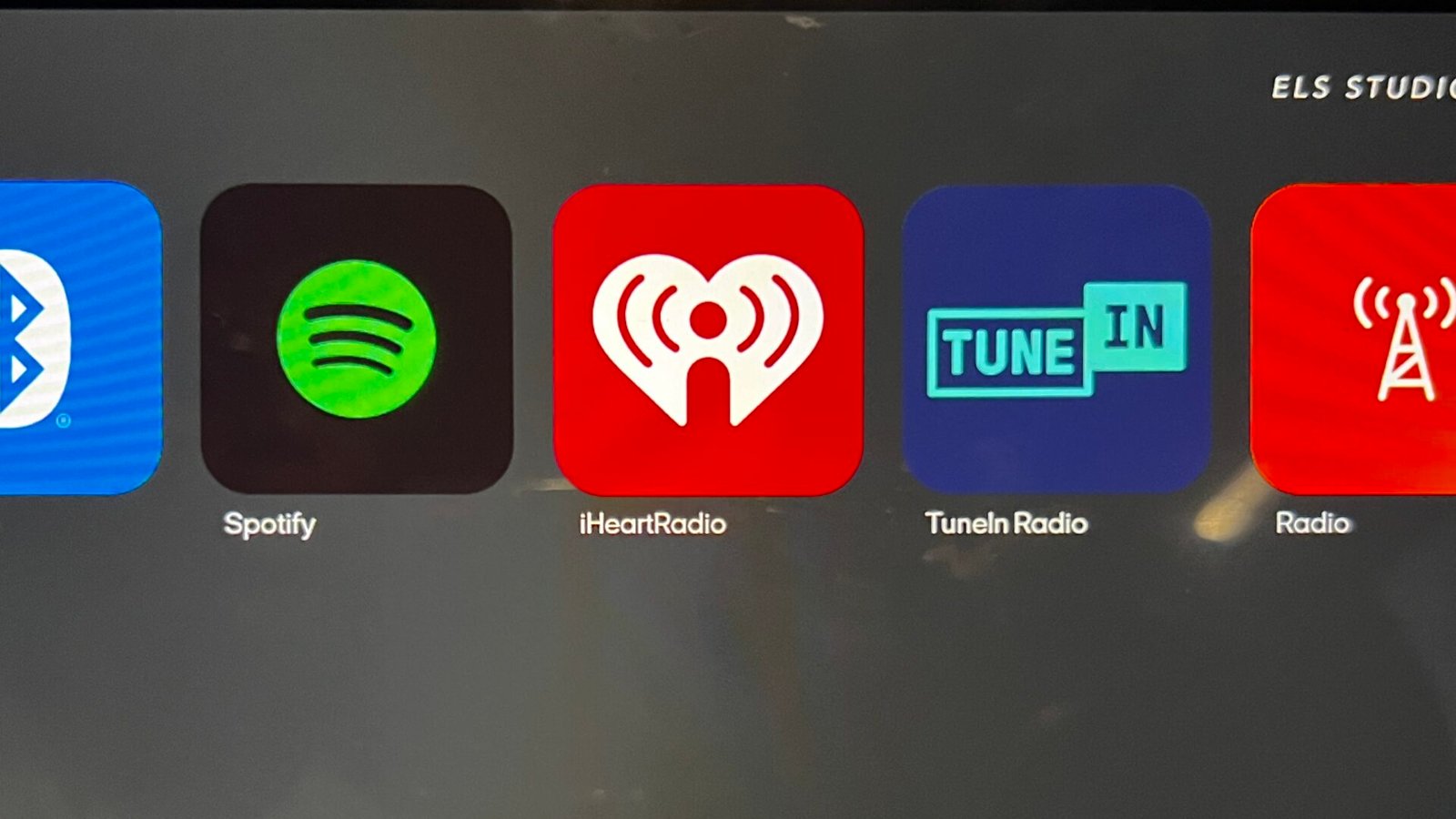
Life to this point was good with my Blue-FOO (My nickname for the Big Sur Blue – Fisker Ocean One). And then it wasn’t. I wake up the morning of May 17th, hop in the car, and it’s quiet. I’m driving along, waiting for Spotify to kick-in, and it doesn’t. So I flip over to the FM radio, and listen to local K-GAY106, “Everybody Dance Now!” Keep the party going, and I’ll deal with it when I get home.
Back at the house, I attempt to restore Spotify, but no luck. And this is the subplot of owning a Fisker, “Stupid car! No wonder why you’re out of business! ” I guess the stories are all true about the failings and my heart sinks a little. Let me deal with this. I’ll check out the forums and maybe I can find something.
And find something I did: T-Mobile stopped service to Fisker cars! In total! All of them! Whoa, so it wasn’t the Ocean at all, T-Mobile stopped connectivity. And again, the sub-plot is that every time something doesn’t work as expected, we blame the car, and it’s not the cars fault!
The T-Mobile Blackout
So reading through the comments, looks like anyone not connected to American Leasing OV Loop program was kicked off the T-Mobile plan. American Leasing is the outfit that bought the Fiskers from the bankruptcy proceedings, and seems they still have an inside connection with T-Mobile. But I don’t. And T-Mobile is only doing bulk fleet dealings, so individual owners are on the outs.
But people are also commenting, “Don’t worry about it, just use your phone hotspot to connect.” Well the funny truth is, unless you were on Facebook or FOA website 24 hrs a day, you would have seen the messages that T-Mobile was ending service to non- American Leasing owners in 2 days. So some were aware, most weren’t.
But either way, I turn on my hotspot, hop in car, go through the pairing process, and voila, the car connects and Spotify is back! Although it took a few seconds, more like 15 of them to connect, the sound was working fine. Off to run some more errands.
Now what? Dang it, Spotify is down again, so back to radio for now. I’m driving along with the Spotify screen, and about 10 minutes later, it pops! Cool. Then the next stop, car locked and shutdown, hop back in, and here we go again, no Spotify. Ugh!
The Hotspot Hustle: A New Morning Ritual
So it seems the hotspot connection isn’t persistent, so every time in the car, I have to go through my flight check list:
- Unlock the car
- Open my iPhone settings for HotSpot.
- Toggle “Personal Hotspot” off and then back on (because, of course, the car won’t “see” it otherwise).
- Wait for the Spotify spinning wheel of doom.
- Maybe it works…
Some days are better than others. Here’s one thing I noticed, Tuesdays do not work. No matter what, toggling the hotspot, waiting forever, it simply would not connect. Interestingly enough, Tuesday are also T-Mobile Tuesdays, when they drop new specials, such as discounts on concert tickets or dining specials. Coincidence? Maybe… more stupid Fisker car stuff!
Back to Bluetooth…
When the Phone “Doesn’t Always Work”
So now I’m realizing, the phone hotspot is the problem. One day, when Spotify wasn’t working, I also had my computer with me, and tried connecting to my phone hotspot, and voila! It didn’t work. Hmmm… interesting, again, I thought it was the car, and again, it wasn’t it was my phone! So I call T-Mobile, they do a bunch of reset stuff, and it works! Ok cool. Until the day, and its the same. Oh well, forget it. Bluetooth.
Days on, days off. It works here, then not. Then I started to see a pattern, and its the phone!
- Turn off the hot spot before starting the car.
- Get in.
- Turn on the radio.
- Drive to wherever.
- Wait a minute of so, THEN turn on the hot spot.
- Wait another minute or so, THEN start the Spotify app.
- Watch the screen. Wait anywhere from 1-3 minutes. This seems to work about 75% of the time. But still doesn’t work on Tuesdays. Whatever!
So for now, I’m listening to the music. We’ll see how long I can maintain this sensibility.
Why This Matters (Beyond Just Music)
And yes, with T-Mobile shutting us off, funny thing, no one knew what was going to happen to the car. Would they all die? Would we all now be brick owners and no access to the car. Oh shit, right, Would I even be able to open the doors. Well, duh, yeah I did and drove. And had mapping working. Hmmm… guess we have no idea what’s really working with these cars. But yes, the app did die.
- No Remote Features: App is dead. No remote open/lock access. Then a few days later, the app logged out and never logged back in.
- No Security: If the car is stolen, there is no GPS tracking because there is no active SIM.
- No Updates: If you didn’t update and were planning on it, you can’t do it OTA now. You’ll have to join a meetup and have them hard connect to the car and download updates from a tech with the FAST tool.